> ## Documentation Index
> Fetch the complete documentation index at: https://about.sendforsign.com/llms.txt
> Use this file to discover all available pages before exploring further.
# Contract Editor
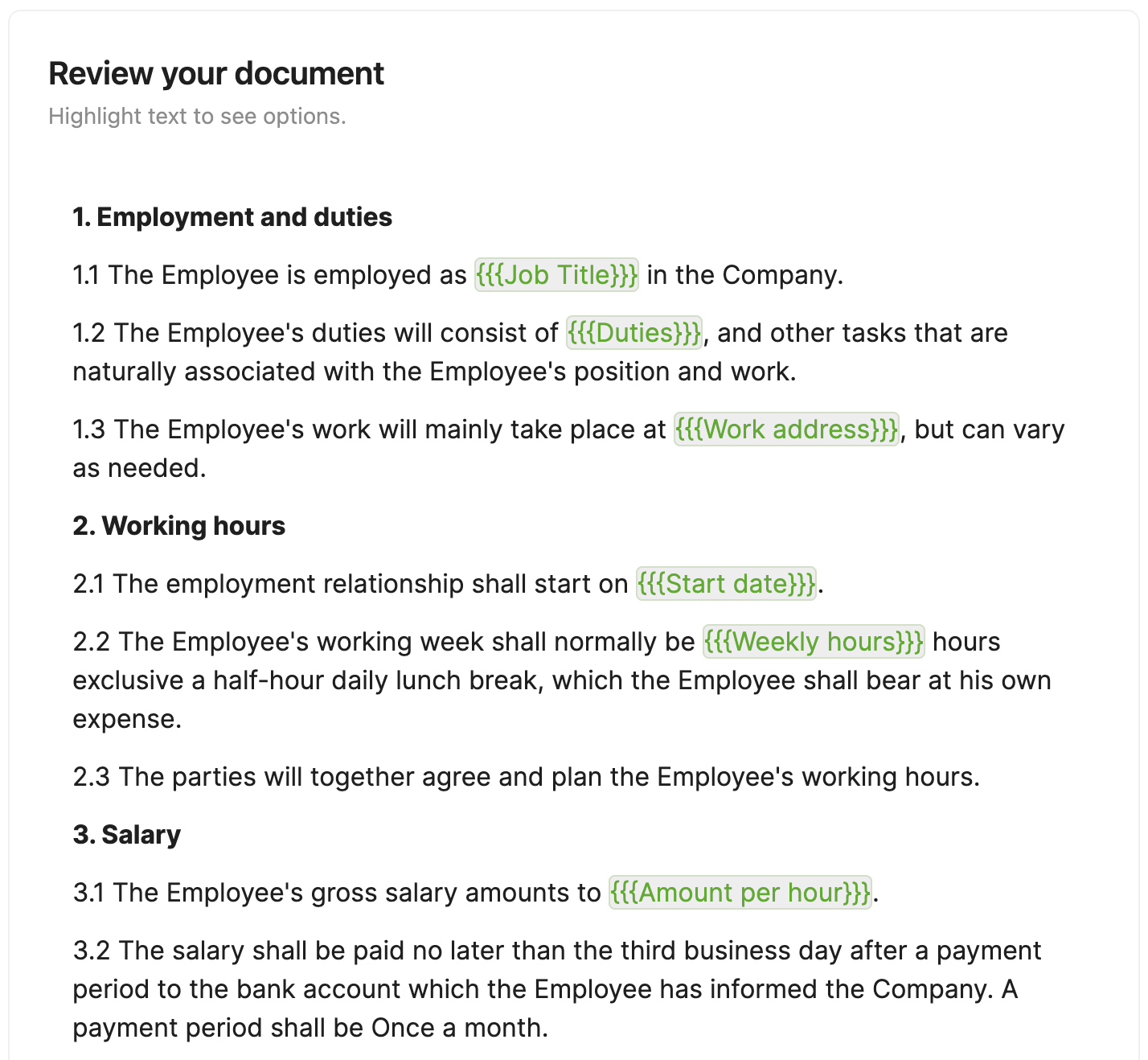
The `Contract Editor` component is a React component that renders the entire Editor.
The component integrates the functionalities of the `E-signing`, `Approvals` and `Audit Trial` components,
providing a complete experience throughout the Contract workflow. This component provides the ability to
create new contracts, open existing contracts, send them for signing, sign, approve, and see the Audit Trial.
## Preview
 ## Usage
First, install [Sendforsign components.](/sdk/introsdk#installation)
After that:
```typescript App.tsx theme={null}
import { ContractEditor } from 'sendforsign';
```
## Props
| Prop | Type | Default | Description |
| ----------------- | ----------------------------------------- | ------- | ----------------------------------------------------------------------------------------------------------------------------------------------------------------------------------------------------------------------------------------------------------------------------------- |
| `apiKey` | `string` | | Use only for testing purposes. API key for your platform. |
| `clientKey` | `string` | | Use only for testing purposes. Client key for the account that is using the infrastructure. |
| `token` | `string` | | Client token refers to the client that is using the infrastructure. Learn more about client tokens [here](/api-reference/implementation_server#generate-client-tokens). |
| `userKey` | `string` | | User key for the user who is creating a contract. |
| `contractKey` | `string` | | Unique contract key of the contract that needs to rendered. If not specified, the component will allow you to create a new contract from its interface. |
| `pdf` | `boolean` | `true` | If `true`, users can upload PDFs via this component. |
| `сanReDraft` | `boolean` | `false` | If `true`, users can recreate existing contracts from scratch. [Read this topic](/usecase/updatedoc#allow-users-to-recreate-documents) to learn more. |
| `showTimeline` | `boolean` | `true` | If `false`, the Timeline block will be hidden. |
| `showActionsBar` | `boolean` | `true` | If `false`, tha Actions block will be hidden. |
| `documentPreview` | `boolean` | `false` | If `true`, opens the contract in read-only preview mode and hides the actions bar and sidebar. |
| `onStepChange` | `function(data: {currentStep:string})` | | Called when component changes states and returns `currentStep: 'TypeChooseStep'` when the component is in the Type Choose state, `currentStep: 'QnAStep'` when the component is in the QnA step, and `currentStep: 'ContractEditorStep'` when the component is in the Editor state. |
| `onDocumentSave` | `function(data: {documentSaved:boolean})` | | Called when the contract body is being edited, this function returns `documentSaved: false` if the body is not saved and `documentSaved: true` if the body is saved. |
## Additional functionality of the `Contract Editor` component
These components are integrated into the Contract Editor component.
They can be switched on and off in your Sendforsign account.
### Audit trail
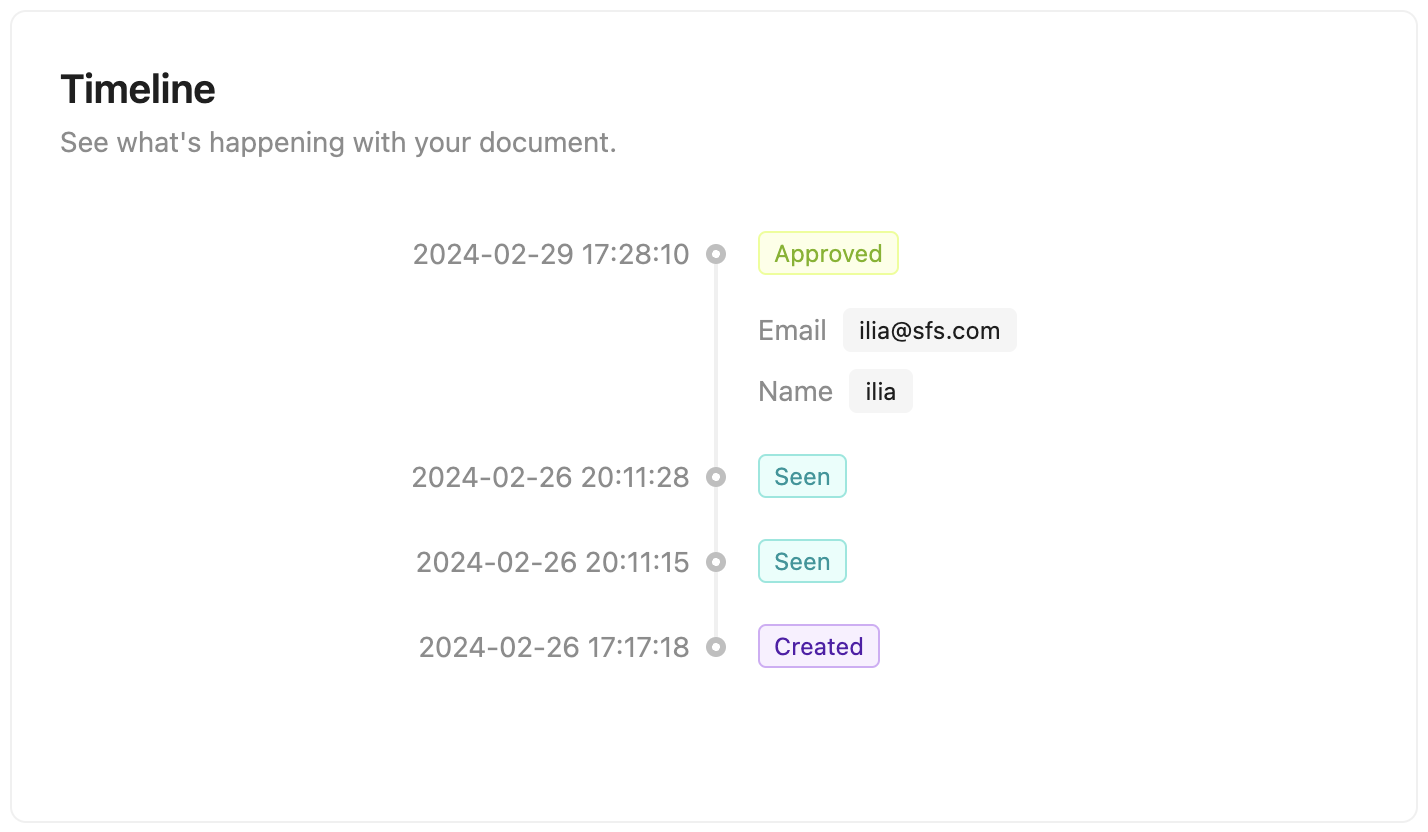
Keep track of what's happening with your documents.
## Usage
First, install [Sendforsign components.](/sdk/introsdk#installation)
After that:
```typescript App.tsx theme={null}
import { ContractEditor } from 'sendforsign';
```
## Props
| Prop | Type | Default | Description |
| ----------------- | ----------------------------------------- | ------- | ----------------------------------------------------------------------------------------------------------------------------------------------------------------------------------------------------------------------------------------------------------------------------------- |
| `apiKey` | `string` | | Use only for testing purposes. API key for your platform. |
| `clientKey` | `string` | | Use only for testing purposes. Client key for the account that is using the infrastructure. |
| `token` | `string` | | Client token refers to the client that is using the infrastructure. Learn more about client tokens [here](/api-reference/implementation_server#generate-client-tokens). |
| `userKey` | `string` | | User key for the user who is creating a contract. |
| `contractKey` | `string` | | Unique contract key of the contract that needs to rendered. If not specified, the component will allow you to create a new contract from its interface. |
| `pdf` | `boolean` | `true` | If `true`, users can upload PDFs via this component. |
| `сanReDraft` | `boolean` | `false` | If `true`, users can recreate existing contracts from scratch. [Read this topic](/usecase/updatedoc#allow-users-to-recreate-documents) to learn more. |
| `showTimeline` | `boolean` | `true` | If `false`, the Timeline block will be hidden. |
| `showActionsBar` | `boolean` | `true` | If `false`, tha Actions block will be hidden. |
| `documentPreview` | `boolean` | `false` | If `true`, opens the contract in read-only preview mode and hides the actions bar and sidebar. |
| `onStepChange` | `function(data: {currentStep:string})` | | Called when component changes states and returns `currentStep: 'TypeChooseStep'` when the component is in the Type Choose state, `currentStep: 'QnAStep'` when the component is in the QnA step, and `currentStep: 'ContractEditorStep'` when the component is in the Editor state. |
| `onDocumentSave` | `function(data: {documentSaved:boolean})` | | Called when the contract body is being edited, this function returns `documentSaved: false` if the body is not saved and `documentSaved: true` if the body is saved. |
## Additional functionality of the `Contract Editor` component
These components are integrated into the Contract Editor component.
They can be switched on and off in your Sendforsign account.
### Audit trail
Keep track of what's happening with your documents.
 ### E-signing
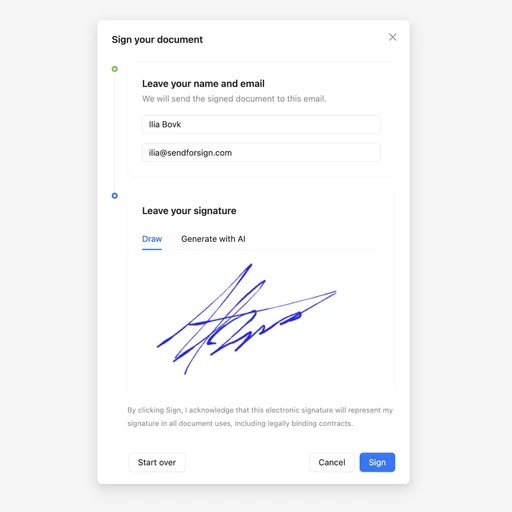
E-sign any document right in your browser, including Word documents and PDFs.
### E-signing
E-sign any document right in your browser, including Word documents and PDFs.
 ### Approval
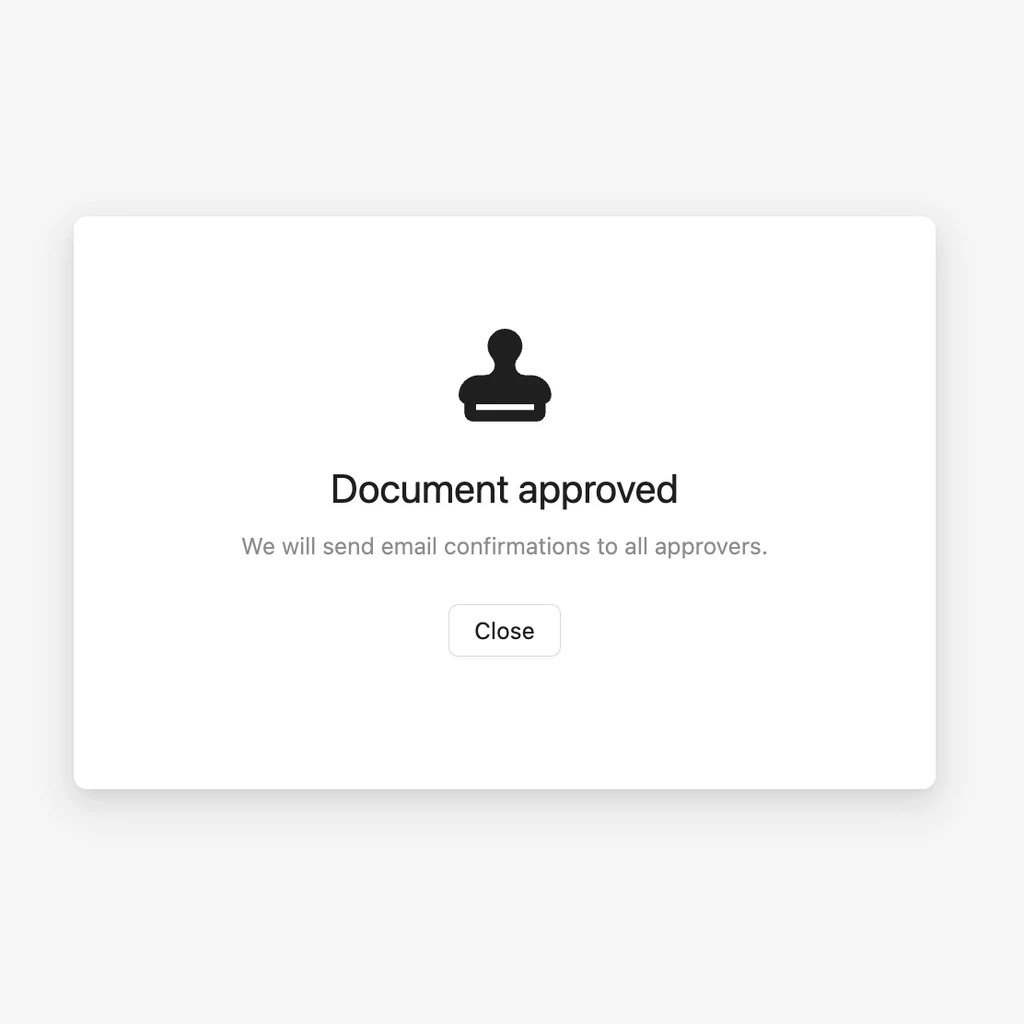
Approve any document right in your browser, including Word documents and PDFs.
### Approval
Approve any document right in your browser, including Word documents and PDFs.