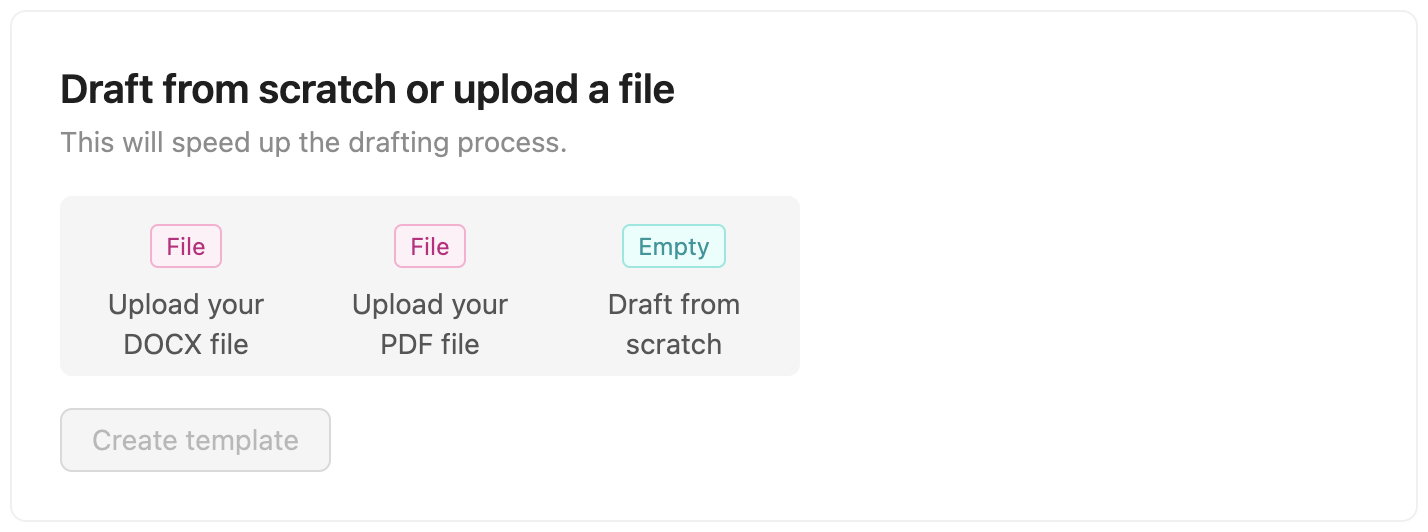
The Template Editor component is a React component that renders the entire Editor. This component provides the ability to create new templates and open existing templates.

Preview
Usage

First, install Sendforsign components. After that:
import { TemplateEditor } from 'sendforsign';

<TemplateEditor
  token='YourClientToken'
/>

Props

PropTypeDefaultDescription
apiKeystringUse only for testing purposes. API key for your platform.
clientKeystringUse only for testing purposes. Client key for the account that is using the infrastructure.
tokenstringClient token refers to the client that is using the infrastructure. Learn more about client tokens here.
userKeystringUser key for the user who is creating a template.
templateKeystringUnique template key of the template that needs to be rendered. If not specified, the component will allow you to create a new template from its interface.
сanReDraftbooleanfalseIf true, users can recreate existing templates from scratch.
onStepChangefunction(data: {currentStep:string})Called when component changes states and returns currentStep: 'TypeChooseStep' when the component is in the Type Choose state, currentStep: 'ContractEditorStep' when the component is in the Editor state.
onDocumentSavefunction(data: {documentSaved:boolean})Called when the contract body is being edited, this function returns documentSaved: false if the body is not saved and documentSaved: true if the body is saved.